
01Translate Webpages
Translate as You Browse
Translate webpages, selections, and words without interrupting your flow.
 Read both languages side by side.
- Select text for an instant translation.
- Hover to understand unfamiliar words.
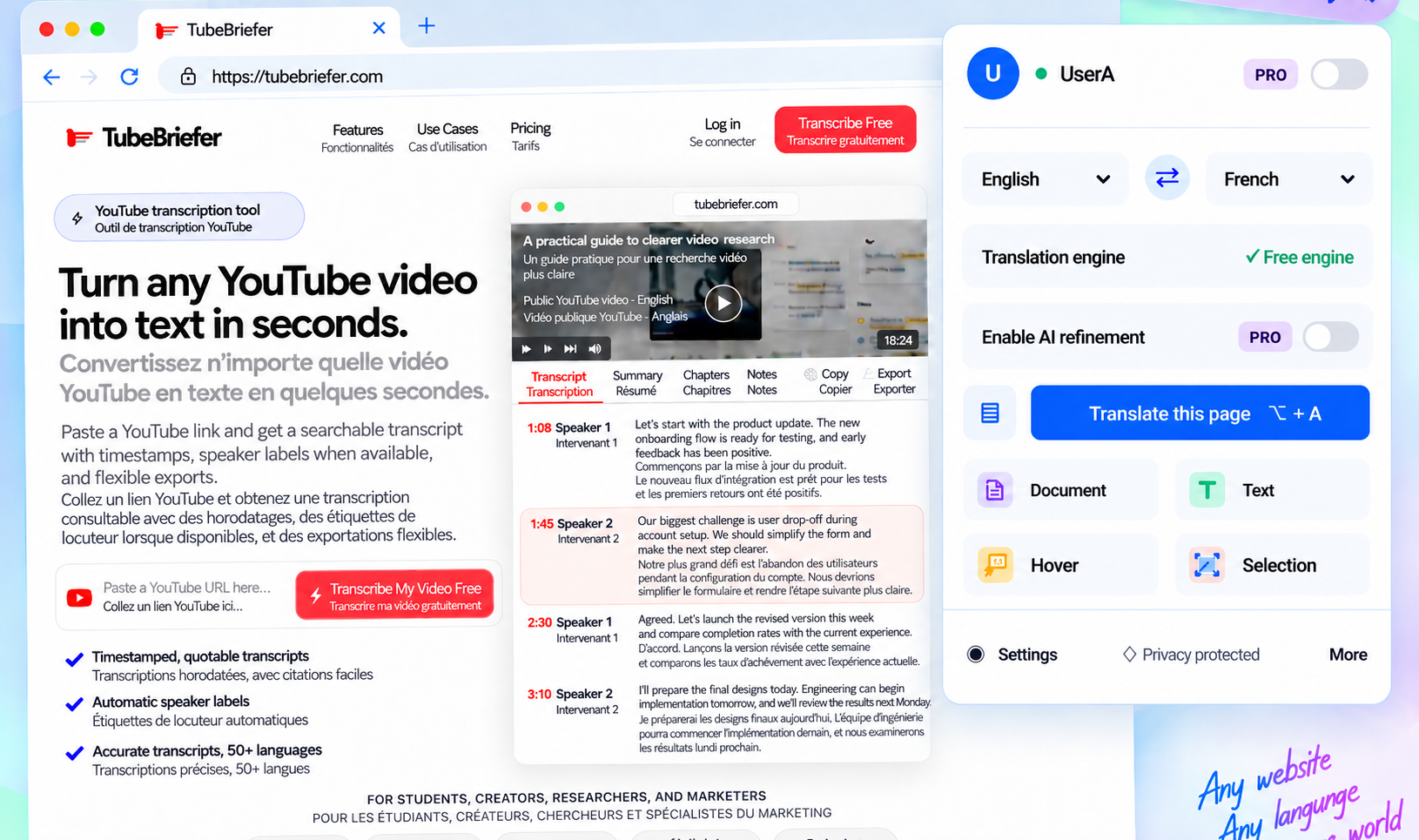
AI translation for everything you read
Translate websites, text, documents, and images with LanguageTranslator AI.
Start translating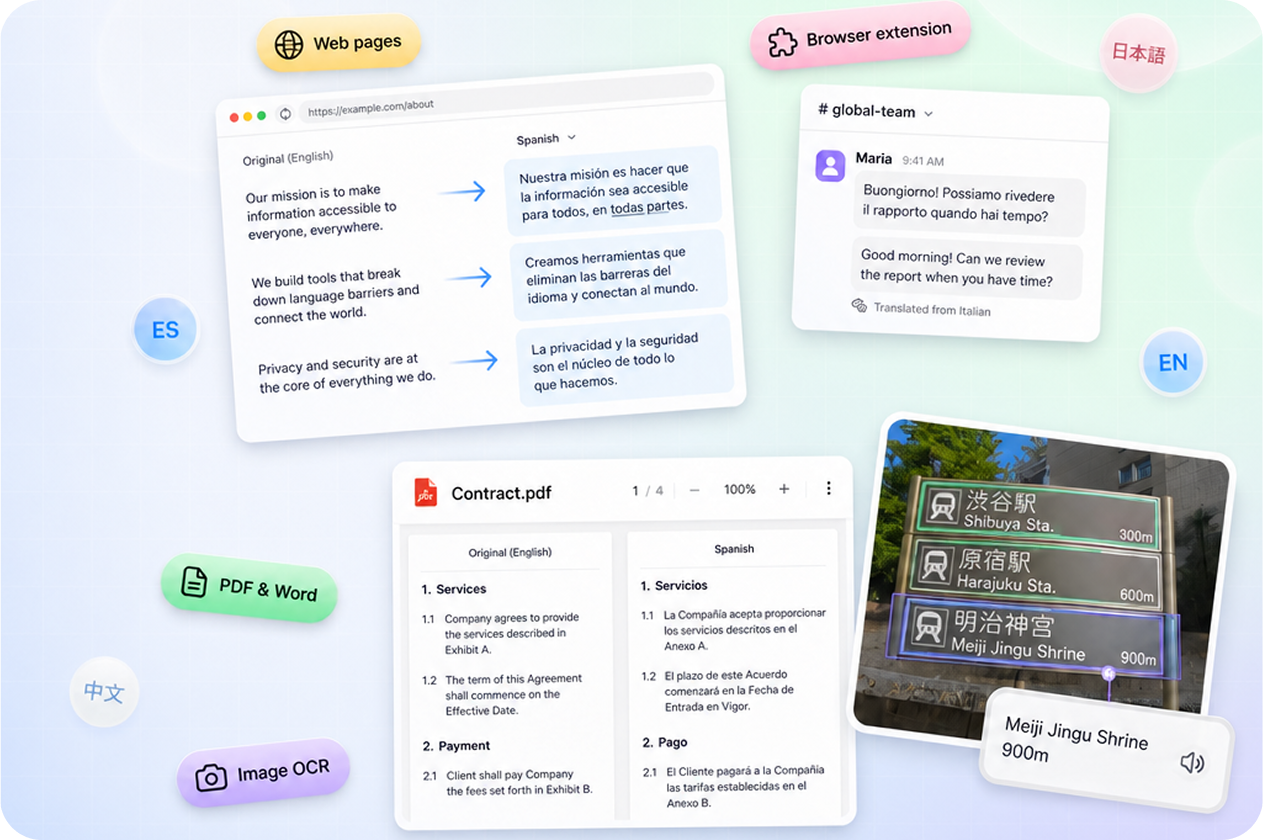
Six focused advantages for reading, working, and communicating across languages.
01Translate Webpages
Translate webpages, selections, and words without interrupting your flow.
Read both languages side by side.Select text for an instant translation.Hover to understand unfamiliar words.02YouTube subtitles
Translate YouTube subtitles instantly with bilingual captions, so you can watch, learn, and explore without switching tabs or missing the context.
Watch YouTube in Any LanguageBilingual Subtitles, Right on YouTubeNever Let Language Interrupt the Video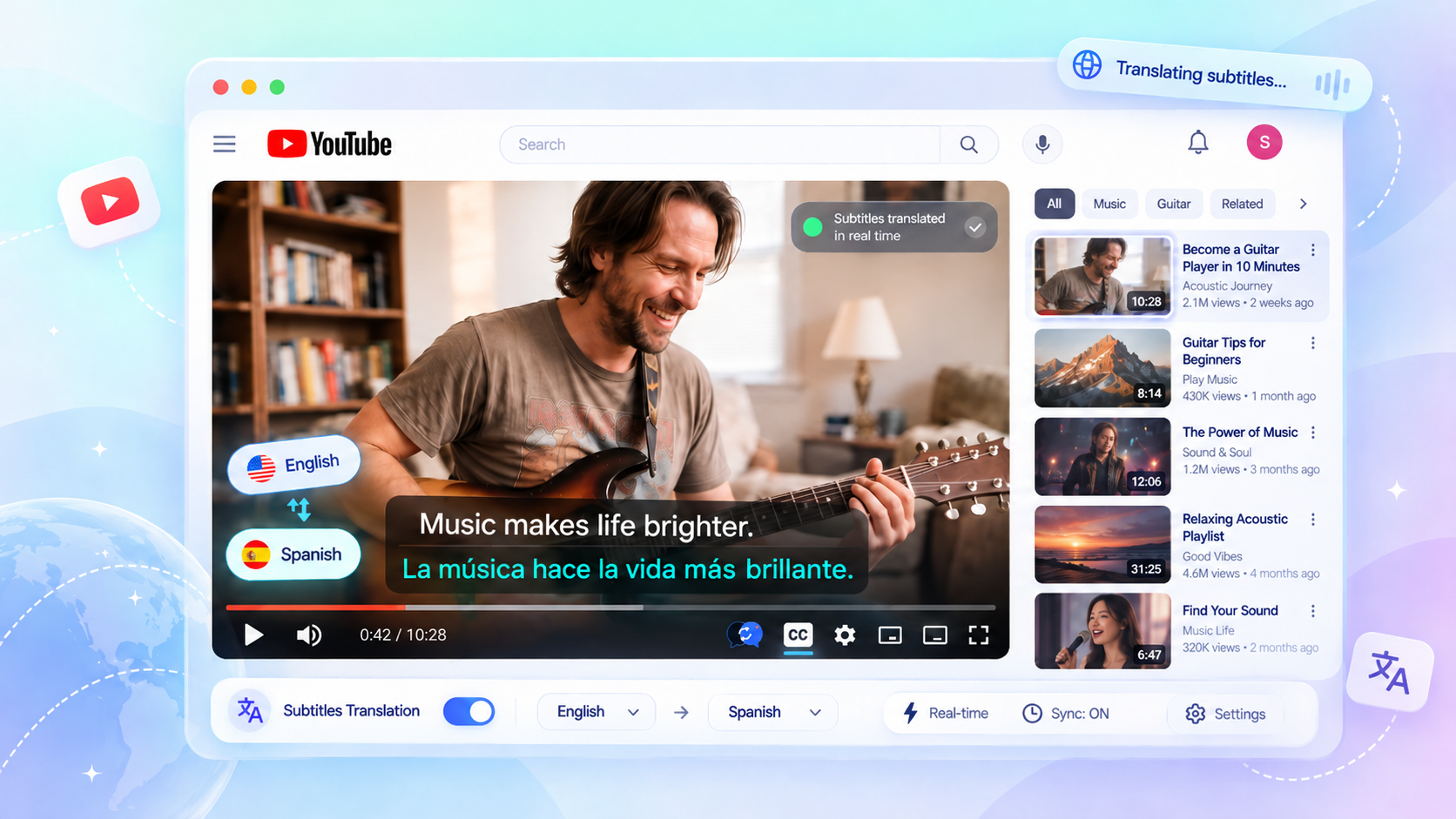
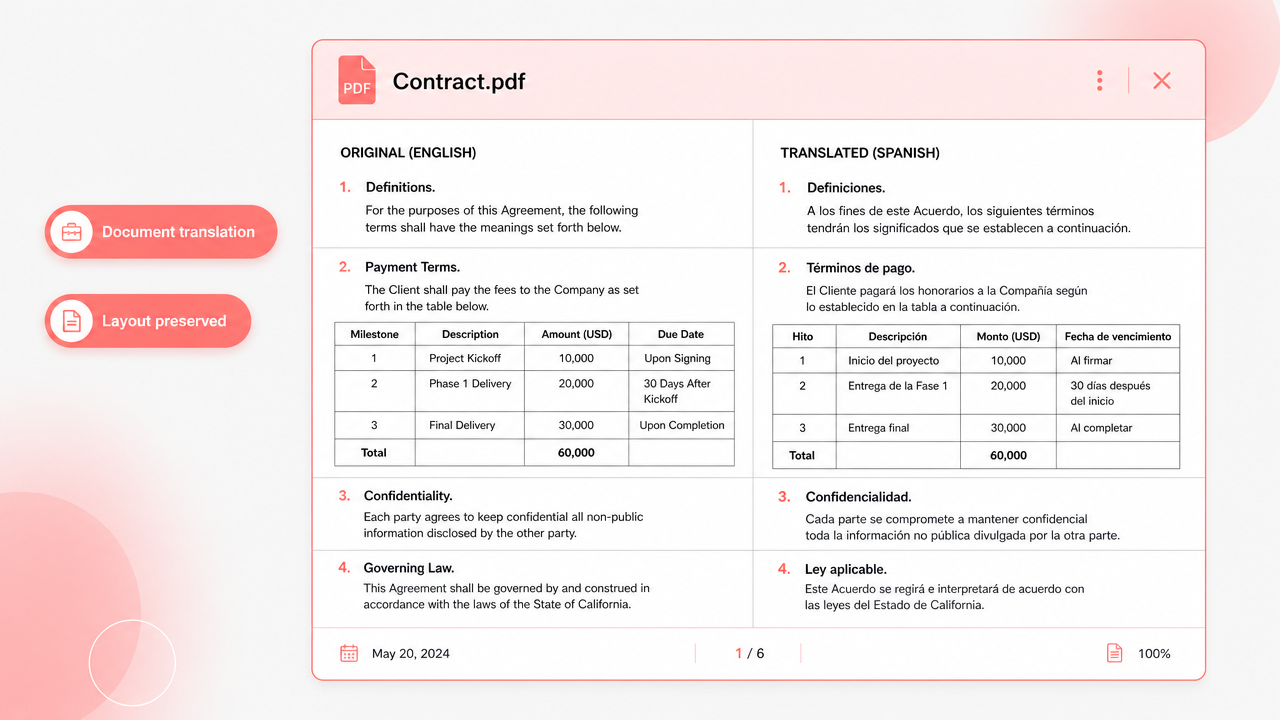
03Document Translation
Translate complete documents without losing the layout.
Preserves headings, tables, and paragraphs.Compare source and translation with ease.Download the translated file instantly.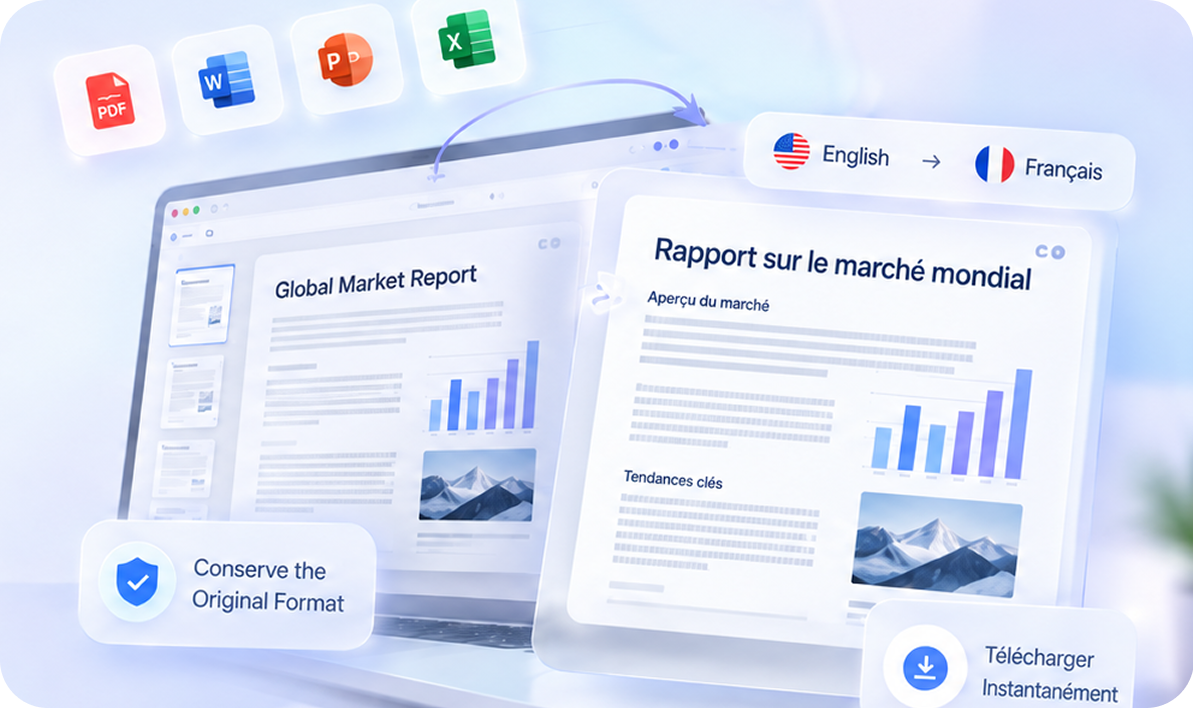
04Video Translation
Watch foreign-language videos with automatic bilingual subtitles.
Bilingual subtitles stay in sync.Jump directly to key moments.Export subtitles and summaries instantly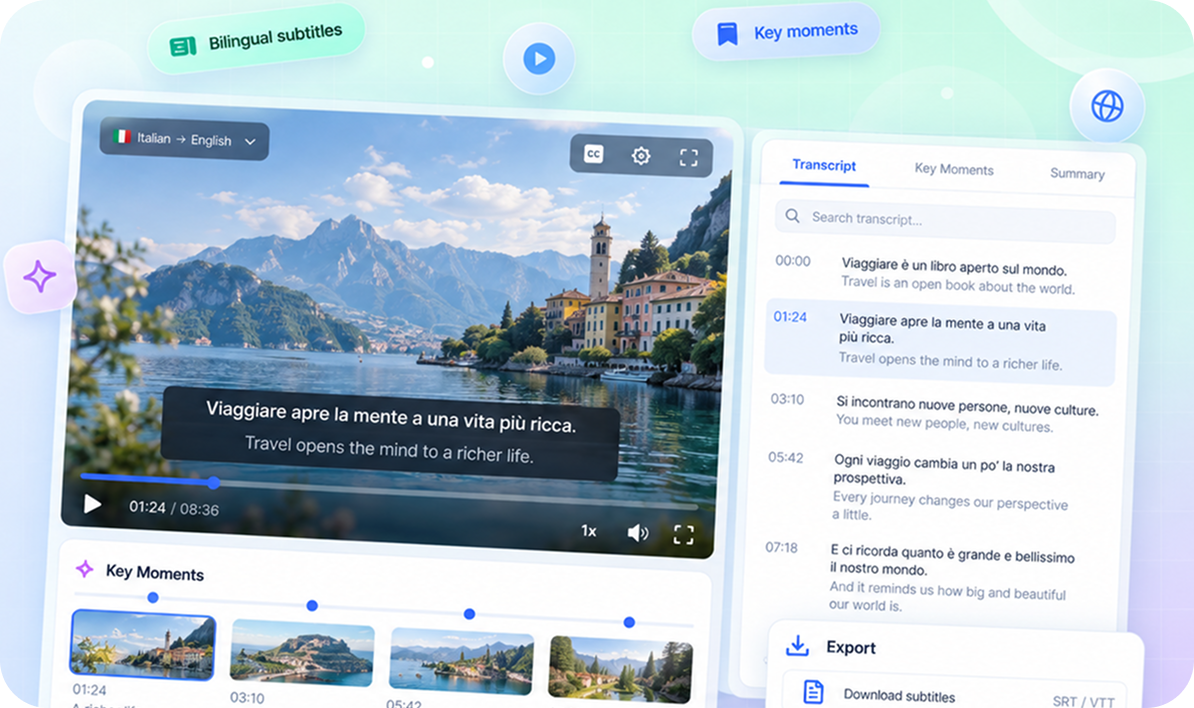
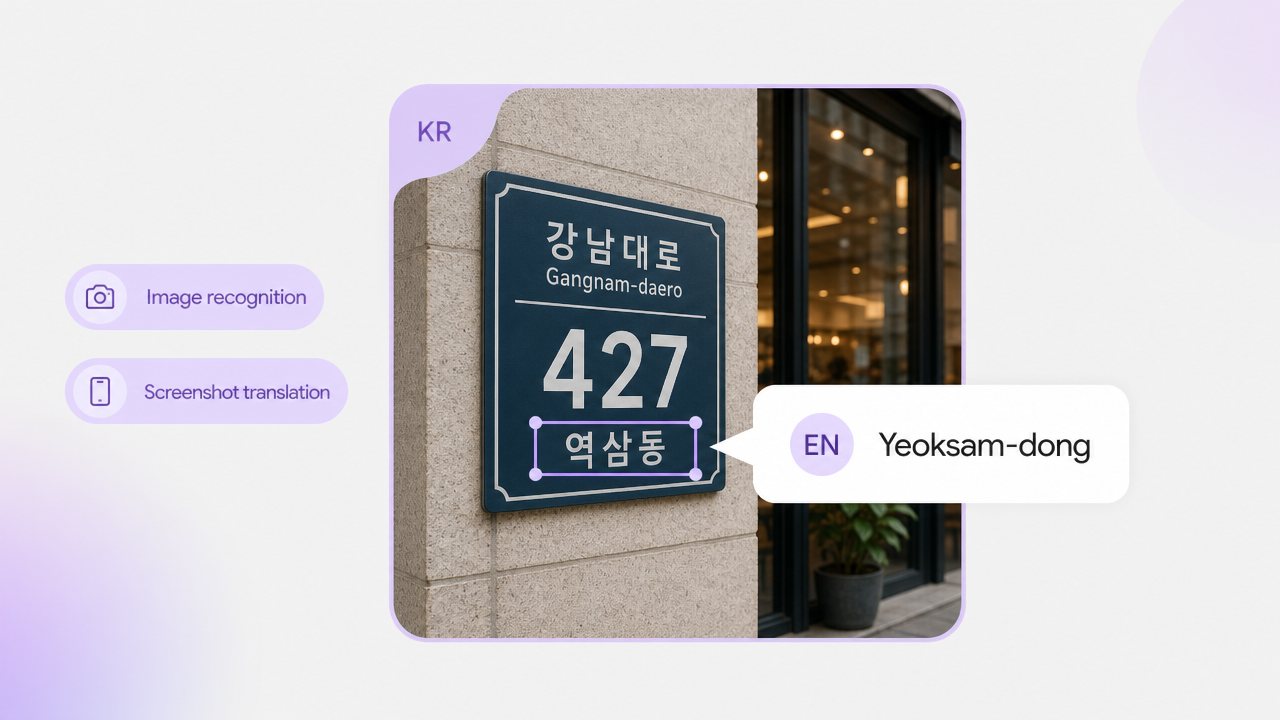
05Image Translation
Upload an image to recognize and translate its text automatically.
Compare original and translated images.Translate screenshots, menus, and posters.Copy, edit, or download the result.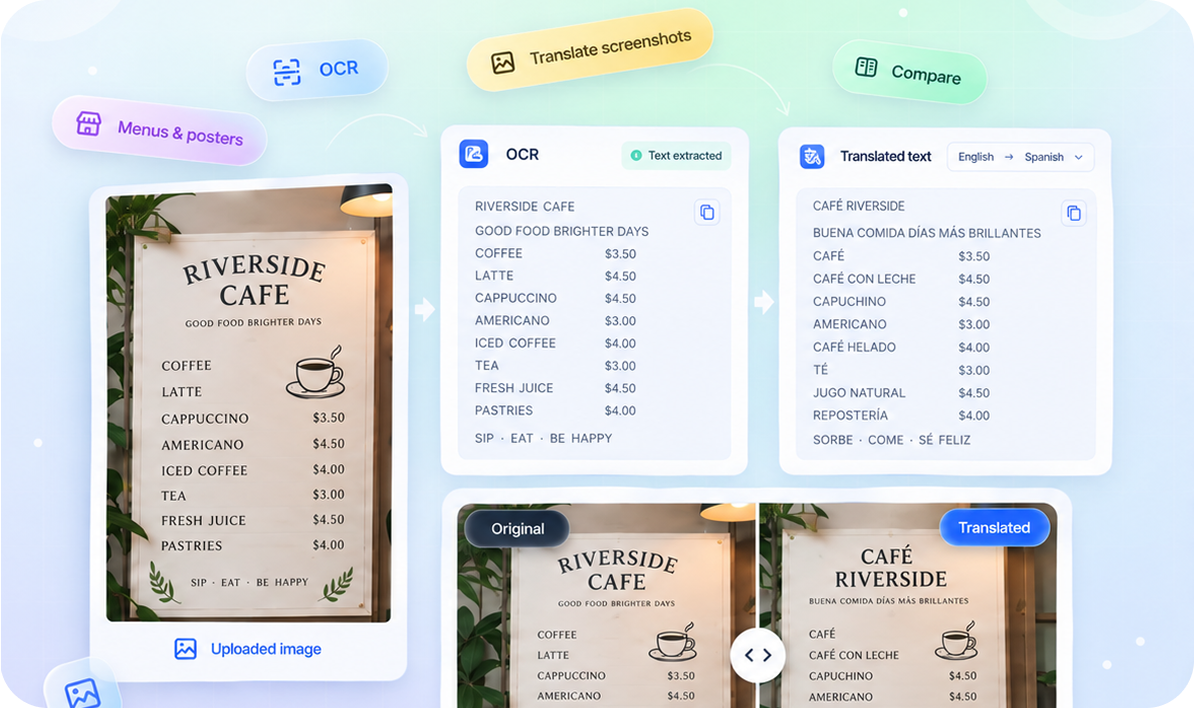
06Text Translation
Enter your text and get a natural, accurate, context-aware translation in seconds.
Translate multiple languages instantly.AI understands context for fluent results.Copy and use with one click.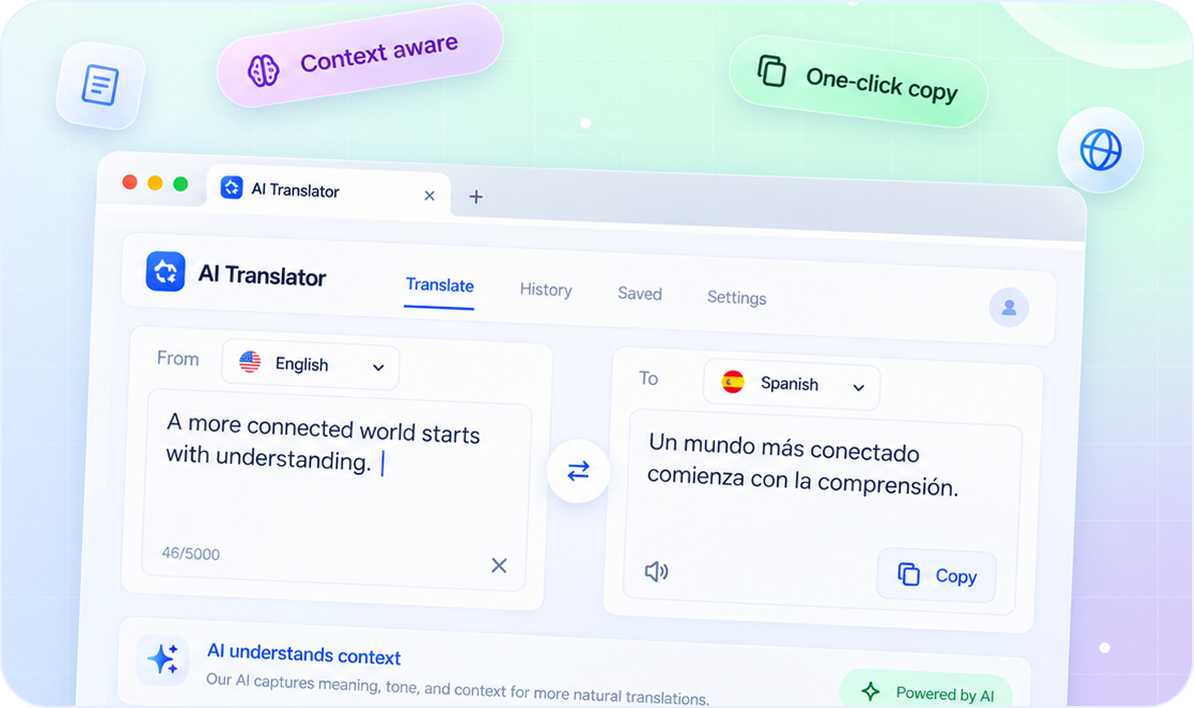
Text, web pages, documents, and images — connected in one simple flow.
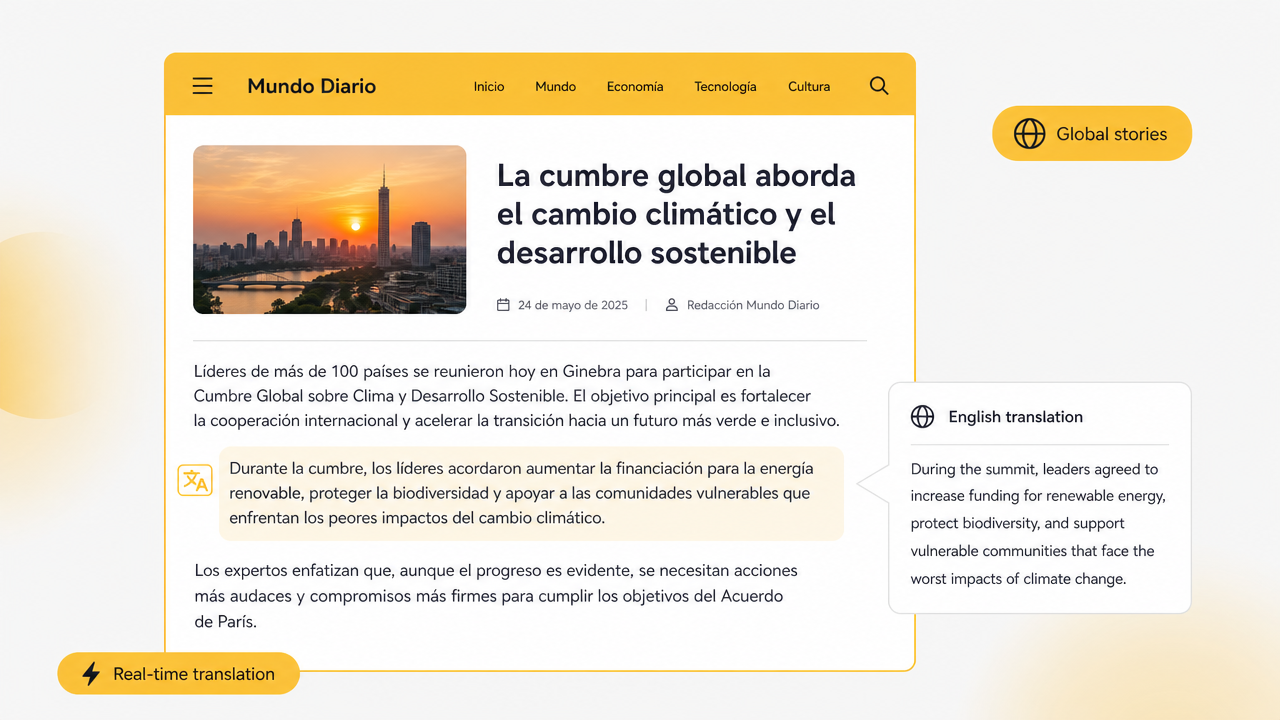
Translate full pages and switch between original, bilingual, and translated-only reading modes.
Start translating
Upload PDF and DOCX files while preserving structure where possible, then preview or download the result.
Start translatingChoose the workflow that fits the content in front of you.

Keep the original page context.
Translate words to long-form text.
Preserve structure where possible.

Extract and translate visible text.
One translation workspace for curious readers, researchers, and global teams.
Read global stories in your language.
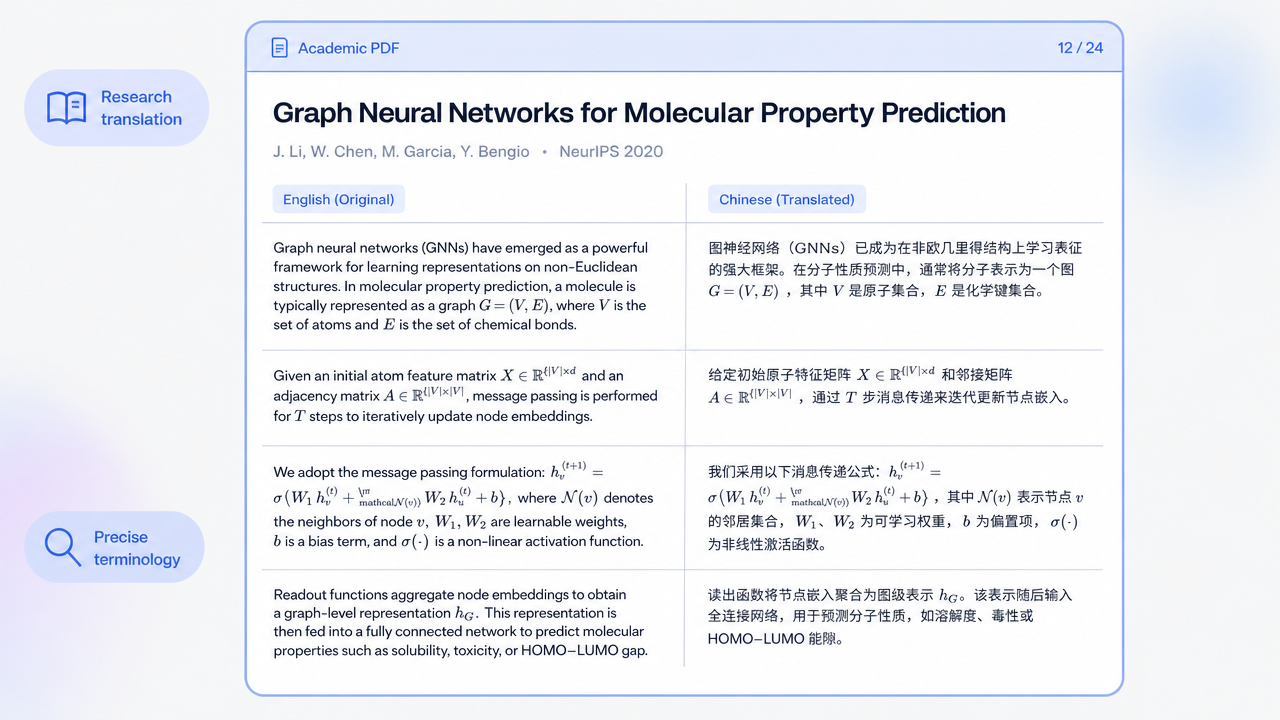
Understand technical work faster.
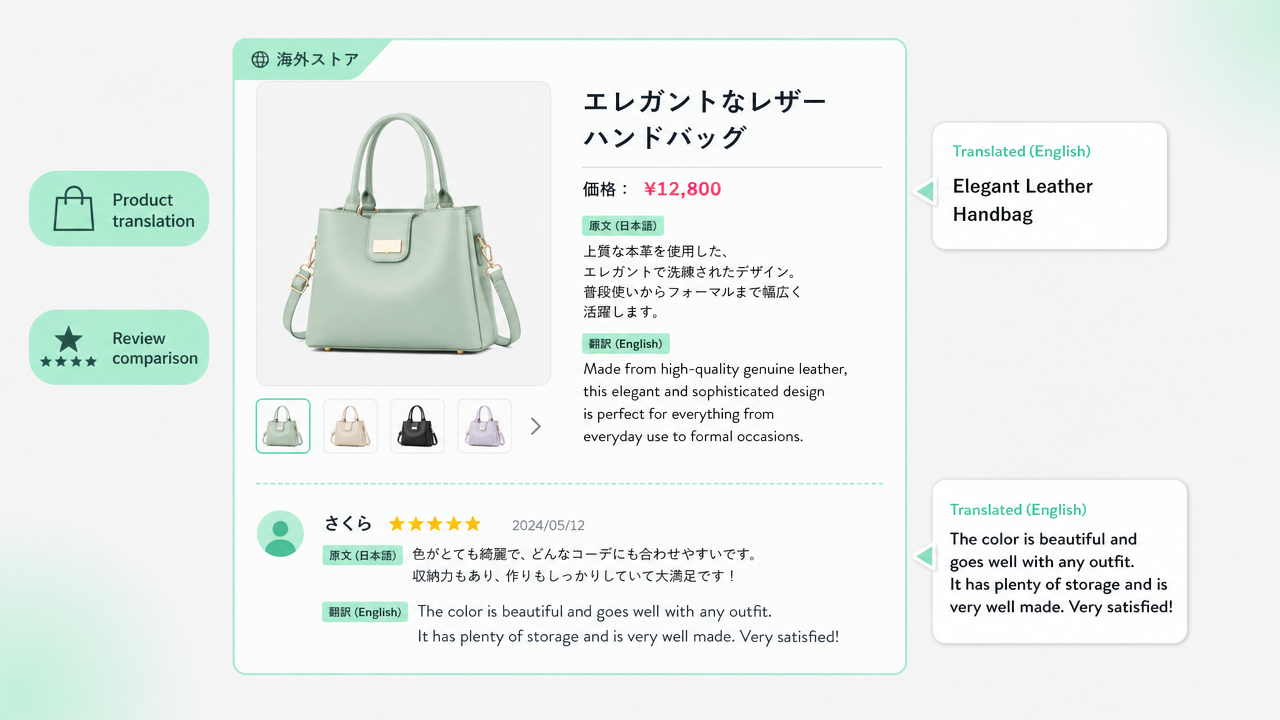
Compare products across borders.
Move through documents with confidence.
Translate text from signs and screenshots.
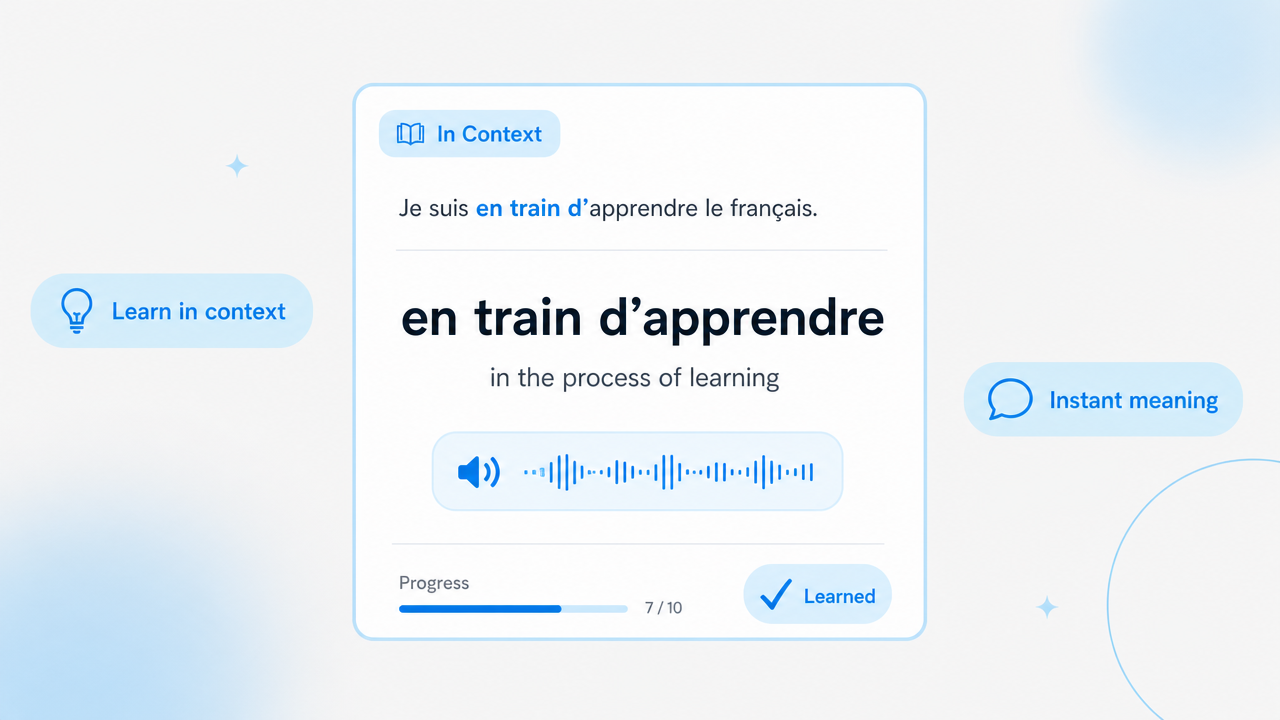
See meaning in context as you learn.
Real work, fewer tabs, more understanding.
★★★★★
Sofia Martins · Growth lead

★★★★★
Maya Chen · Researcher

★★★★★
Jon Bell · Product designer

Clear answers before you choose a plan.
Yes. Start with [free allowance] to try LanguageTranslator AI before choosing a paid plan. Upgrade when you need more translations or Pro features.
Your allowance is measured in [characters / credits]. Each translation uses part of your allowance based on [content length / the feature used]. You can check your remaining balance and reset date in your account.
No. Failed translations do not count toward your allowance. If a translation fails, you can try again. If you notice an incorrect deduction, contact support so we can check it for you.
Yes. You can cancel your subscription in your account settings at any time. Your paid features will remain available until the end of your current billing period, and your subscription will not renew after that.
Yes. Pro supports PDF and Word (.docx) translation, so you can translate documents without copying and pasting each section. Each file can be up to [file size] and [page / word limit]. Scanned PDFs [are supported / need to be converted to selectable text first].
Select text, translate the current page, or switch to bilingual reading without leaving your browser.